Productivity That Works: Hacks for Overloaded Tech Execs

Productivity Hacks for the Busy Tech Executive
When you’re leading fast-moving teams, products, and roadmaps, "work harder" isn’t the answer.
You need systems that create leverage — not just longer hours.
Here’s a modern, battle-tested approach to staying effective when the demands only multiply.

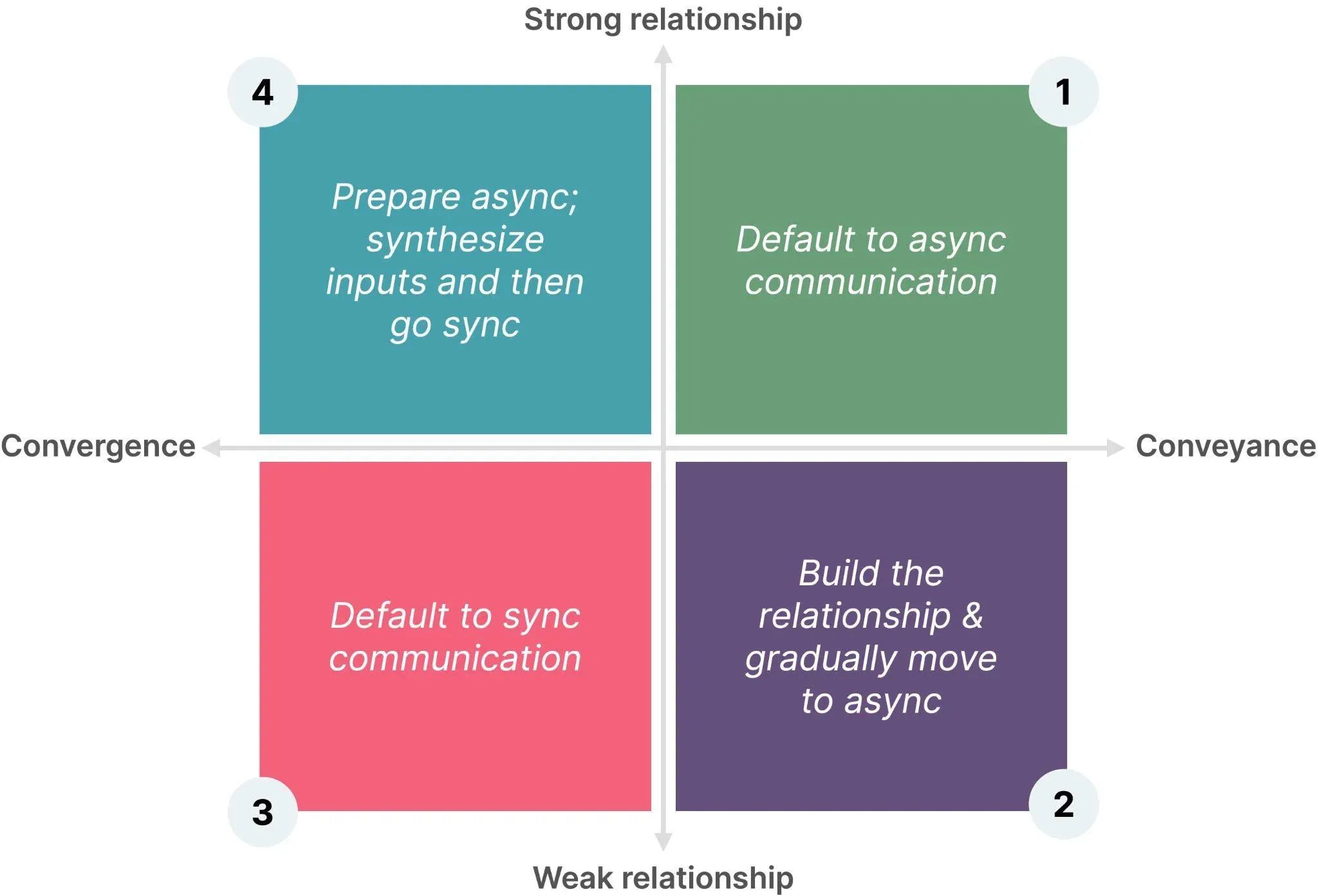
1. Default to "Asynchronous Until Critical"
If a meeting isn't urgent and strategic, it should be async.
- Weekly status updates? Written.
- Decision alignment? Structured docs + comments.
- 911-level fire? Jump on a call.
Async by default frees 10–20% of your week without losing connection.
2. Pre-Block Strategic Thinking Time
If it’s not on your calendar, it doesn’t exist.
Pre-block 2–3 hour "deep work" sessions weekly to:
- Draft vision documents
- Frame product strategy shifts
- Solve systemic team problems
Guard this time like investor meetings.
3. Ruthlessly Triage Incoming Noise
Inbox zero isn’t the goal. Decision clarity is.
Set a simple filter for every new request:
- Act: Immediate, high-leverage response.
- Delegate: Right person, right now.
- Defer: Schedule for thinking time.
- Delete: Doesn’t move goals forward.
Train your brain to stop defaulting to "respond to everything."

4. Align Deep Work With Peak Energy
Identify when you naturally do your best thinking (early morning, late night, mid-afternoon).
Schedule:
- Strategic docs
- Critical decisions
- Complex problem-solving
in those windows.
Push:
- Status checks
- Admin work
- Routine calls
to lower-energy slots.
Your brain has prime time. Treat it like a resource.
5. Batch Context, Not Just Tasks
Task batching is old advice. Context batching is better.
Example:
- Monday mornings: product deep dives
- Tuesday afternoons: team 1:1s and coaching
- Wednesday: investor and board materials
Minimize context-switching, and you double focus.
6. Install "Default No" Mechanisms
Every "yes" costs time and attention.
Top execs:
- Default to "no" for anything misaligned with top 3 goals
- Allow "yes" only if it’s high-leverage or mission-critical
You don’t need more hours. You need fewer non-essential commitments.
7. Build "Recovery Slots" Into Your Calendar
No one runs at 100% all week.
Top execs:
- Block 1–2 recovery sessions (30–60 min) midweek
- Use it for reflection, resets, silent work — not reactive meetings
Proactive recovery beats reactive burnout.
8. Use End-of-Day "Shutdown Routines"
Mental residue kills next-day momentum.
Simple shutdown steps:
- List top 3 priorities for tomorrow
- Clear low-priority open loops
- Review calendar to pre-decide morning moves
Train your brain to "clock out" intentionally.
9. Create a "Weekly Reset" Ritual
Once per week (Friday afternoon or Sunday evening):
- Review wins and gaps
- Recalibrate goals
- Prune or reprioritize commitments
Weekly resets create strategic drift correction before you lose months.

10. Define "Enough" Every Quarter
Without clear boundaries, ambition turns toxic.
Every 90 days, answer:
- What does "good enough" look like for me and my team?
- Where am I over-optimizing with diminishing returns?
Sustainability requires standards and stopping points.
11. Protect "Non-Work" as Strategic Input
Breakthroughs rarely happen at your desk.
Top leaders:
- Schedule hobbies and learning (not just vacations)
- Treat family time, fitness, and creativity as performance assets
- Normalize "off-time" as fuel, not guilt
You’re scaling yourself, not just your output.
12. Create a Personal "Escalation Path"
When pressure spikes, poor decisions follow.
Design in advance:
- Who you call when stakes feel overwhelming
- How you buy yourself thinking time (e.g., "24-hour" rule for major decisions)
- What habits signal you’re slipping into reactive mode
Crisis moments are inevitable. Predicting your own failure modes makes you far stronger when they hit.
13. Treat Leadership as a Creative Act
You’re not just executing a playbook — you’re designing new ones.
Top executives:
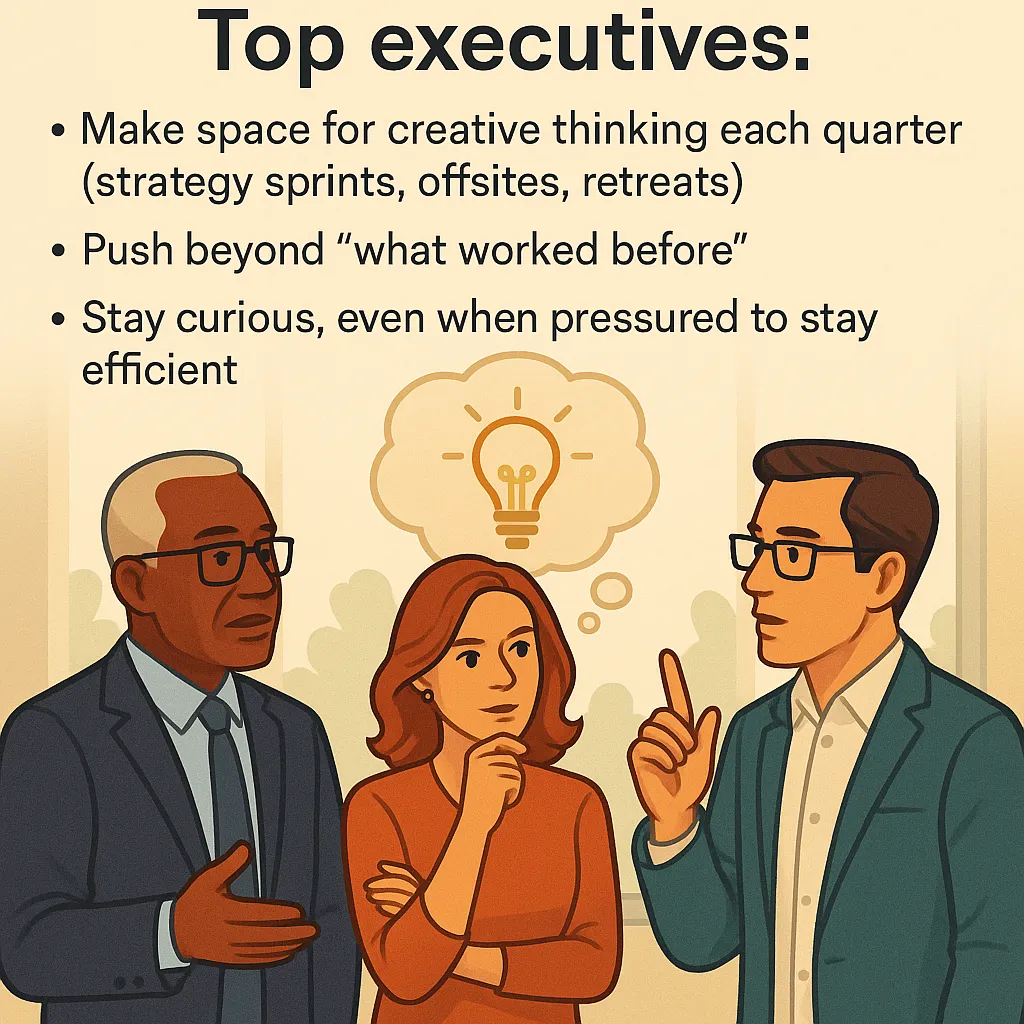
- Make space for creative thinking each quarter (strategy sprints, offsites, retreats)
- Push beyond "what worked before"
- Stay curious, even when pressured to stay efficient
Creativity keeps leadership alive.
14. Design "Seasons," Not Just Schedules
Life at the top has natural seasons:
- Heavy build seasons (shipping new bets)
- Harvest seasons (optimizing and scaling)
- Recovery seasons (retooling for the next push)
Plan your intensity and downtime accordingly — or burnout will plan it for you.
15. Build Reflection Into Every Leadership Layer
Reflection compounds leadership maturity.
Top execs:
- Close major projects with written personal retrospectives
- Journal leadership decisions monthly (what worked, what didn’t)
- Review how their own energy shaped team energy each quarter
Fast reflection = faster adaptation.
Great exec productivity isn’t about more hustle.
It’s about creating systems where focus compounds, energy renews, and leadership impact scales without personal collapse.

• PHP expertise;
• Database management skills;
•Jungling traits, methods, objects, and classes;
• Agile & Waterfall understanding and use;
• Soft skills (a good team player, high-level communication, excellent problem-solving background, and many more)
• OOP & MVS deep understanding;
• Knowledge of the mechanism of how to manage project frameworks;
• Understanding of the business logic the project meets;
• Cloud computing & APIs expertise.
• Reasonable life-work balance;
• The opportunity to implement the server-side logic via Laravel algorithms;
• Hassle-free interaction with back-end and front-end devs;
• Strong debugging profile.
• Using HTML, XHTML, SGML, and similar markup languages
• Improving the usability of the digital product
• Prototyping & collaboration with back-end JS experts
• Delivery of high-standard graphics and graphic-related solutions
• Using JS frameworks (AngularJS, VueJS, ReactJS, etc
• Clean coding delivery and timely debugging & troubleshooting solution delivery
• UI testing and collaboration with front-end JS teammates
• Database experience
• Building APIs while using REST or similar tech solutions
• Collaboration with project managers and other devs
• Delivery of design architecture solutions
• Creation of designs & databases
• Implementation of data protection and web cybersecurity strategies.
• Both front-end and back-end qualifications