Second Brain for CTOs: Managing Knowledge Without Losing Your Mind

Your Brain Isn’t Built for Scale — Your System Has to Be
The bigger your role, the harder it is to keep everything in your head. Contexts multiply. Decisions overlap. Information flows nonstop. And without a system, things slip — not because you’re careless, but because your memory isn’t built for the load.
That’s where personal knowledge management (PKM) comes in — not as a productivity hack, but as leadership infrastructure.
This article series explores how CTOs and founders build “second brains” — systems that:
- Store ideas you’re not ready to act on.
- Track technical context across projects.
- Surface the right information at the right time.
It’s not about becoming more efficient. It’s about freeing up your actual brain to think, lead, and decide.

Why Most Systems Fail
You’ve probably tried tools before:
- Notes in Notion or Obsidian.
- Docs in Google Drive.
- Tasks in Todoist or Linear.
But the problem isn’t the tool. It’s the lack of a clear system for:
- What gets captured.
- Where it goes.
- How it connects to your daily decisions.
A second brain is only useful if it’s:
- Lightweight enough to use daily.
- Structured enough to grow with you.
- Searchable and reviewable without friction.
The Core Components of a Second Brain for Tech Leaders
A second brain isn’t a tool. It’s a workflow.
For founders and CTOs, the challenge isn’t capturing knowledge — it’s retrieving and using it without slowing down.
Here’s what that system needs to include:
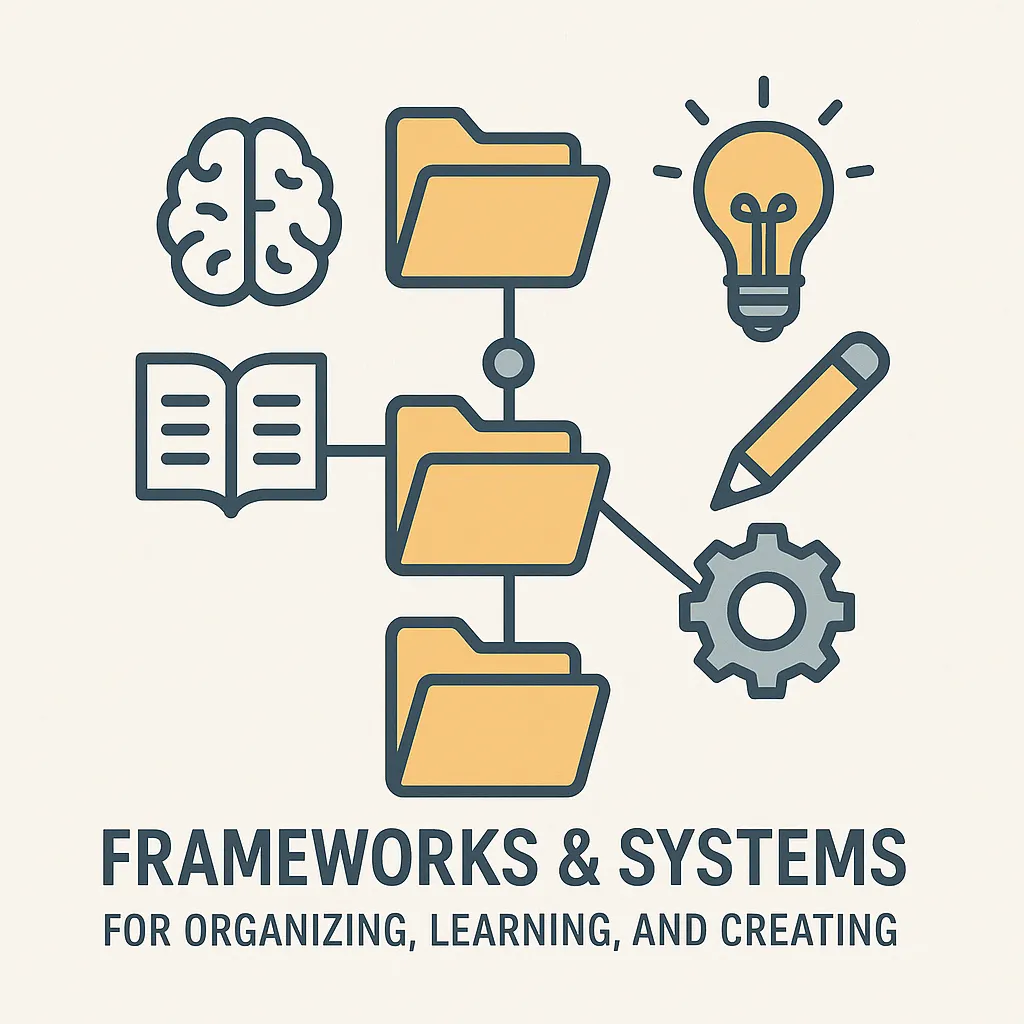
Quick Capture That Doesn’t Break Flow
Ideas, links, tasks — they should take seconds to store.
Use:
- Mobile capture (voice, quick notes)
- Templates for recurring types of thoughts (like “decision logs,” “meeting prep,” “ideas to explore”)
- A “Daily Dump” inbox that you clear later
The goal isn’t perfect organization upfront. It’s zero-friction input.
Smart Sorting That Mirrors How You Think
Most CTOs think in layers:
- Company → Product → System → Decision
- Problem → Cause → Solution → Open questions
Your structure should reflect that.
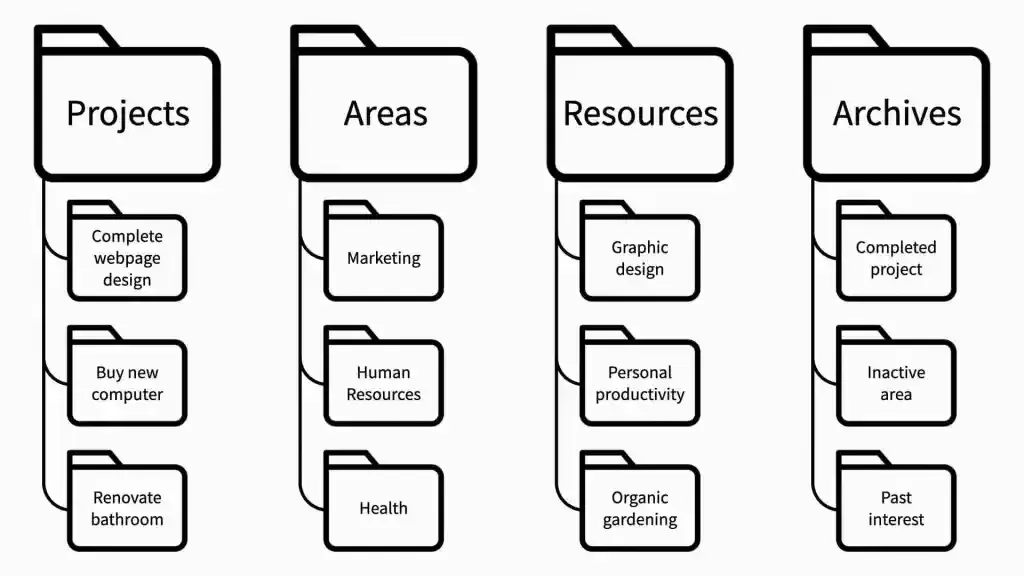
Common approaches:
- PARA (Projects, Areas, Resources, Archives)
- Zettelkasten for interconnected ideas
- A flat tag system with search-driven recall
Use what makes ideas easy to find — not what looks impressive.
Contextual Recall Built Into Your Week
Don’t just collect. Review.
Every Friday or Sunday:
- Surface ideas you haven’t acted on
- Reconnect with long-term goals
- Revisit decisions and what’s changed
This keeps your system alive — and makes it something you trust, not just dump into.
Tools That Scale Thinking — Without Becoming the Job
The best second brains aren’t built for organizing. They’re built for thinking.
Here’s how to pick tools that support that — and how to keep them from turning into overhead.
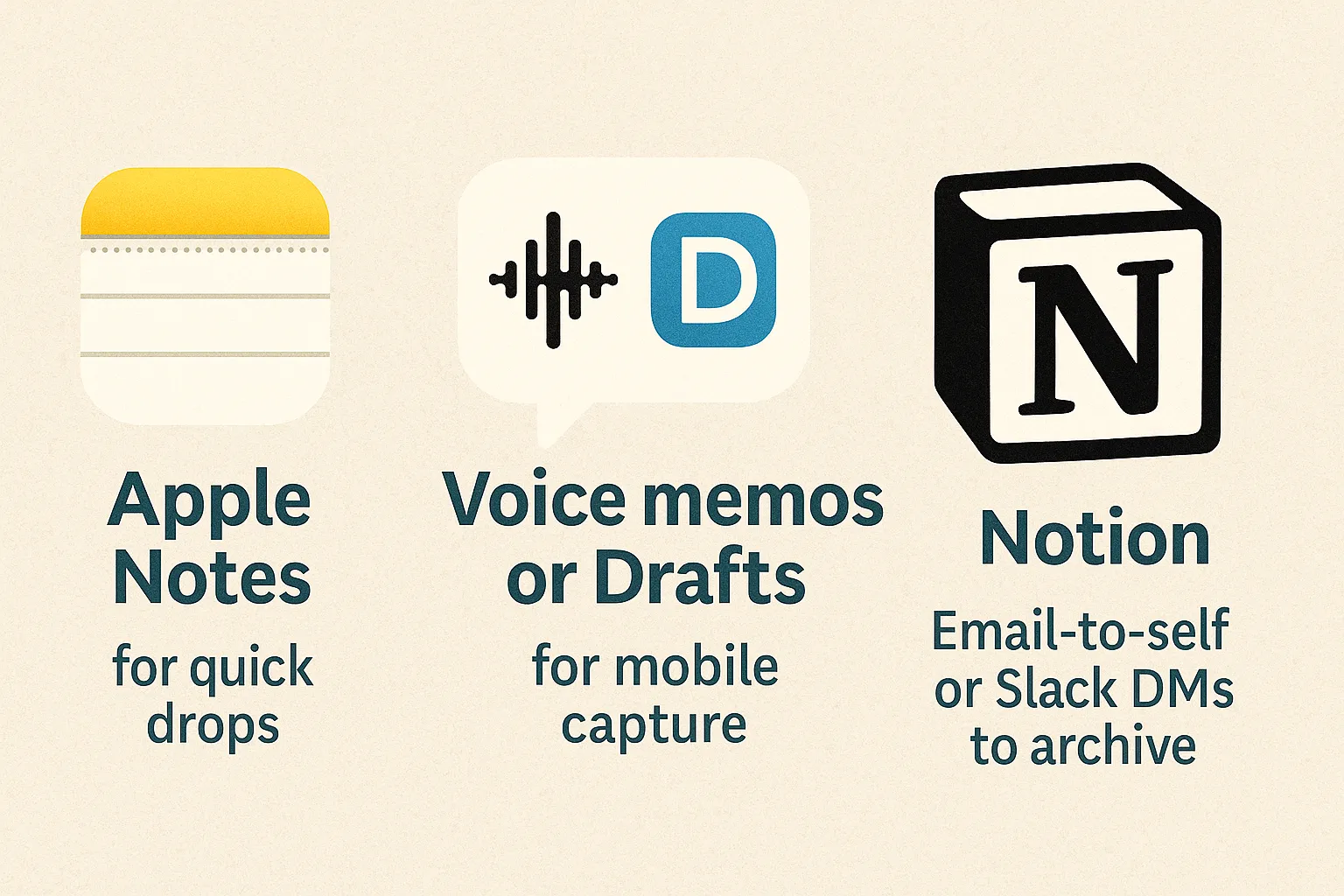
Choose a Capture Tool You’ll Actually Use
Best tools are the ones you reach for without thinking:
- Apple Notes or Notion for quick drops
- Voice memos or Drafts for mobile capture
- Email-to-self or Slack DMs to archive
Your brain doesn’t always deliver insights when it’s convenient — so your system needs to be ready anytime.
Don’t Confuse Structure With Value
Spending hours tagging notes won’t make you smarter. Ask:
- Can I find this when I need it?
- Is it connected to something I’m doing?
- Does it help a decision or deepen my thinking?
If not, archive it and move on.
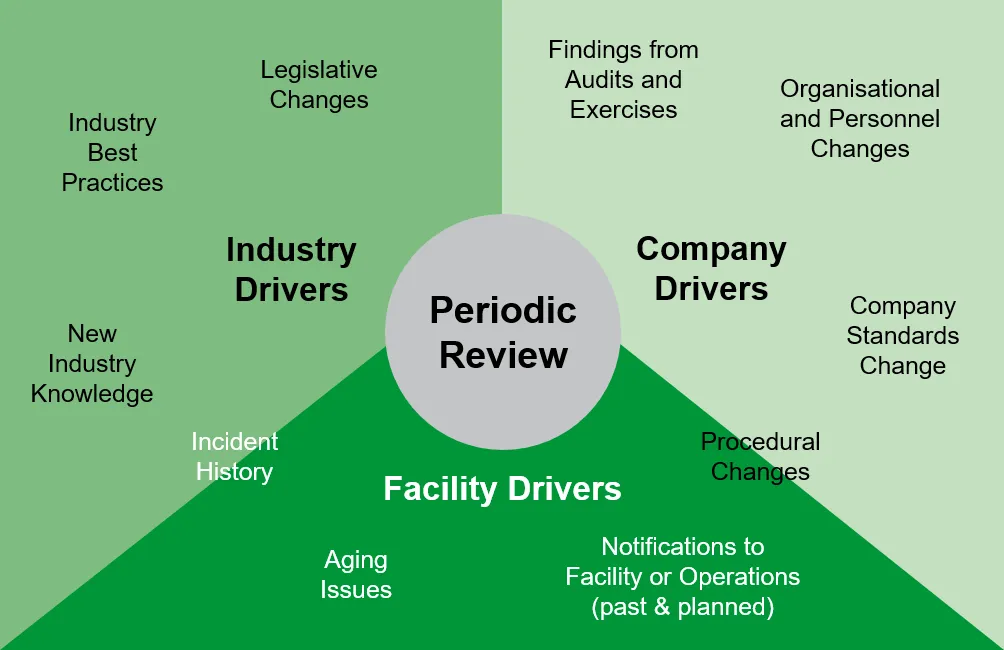
Use Periodic Reviews to Think Forward, Not Just Look Back
Make time for strategic clarity:
- Weekly: What surfaced that matters?
- Monthly: What themes are emerging?
- Quarterly: What’s unresolved — and worth real time?
This is where your second brain moves from storage to leverage.
Keep Inputs Light and Outputs Useful
High-signal systems share one trait: they produce something usable.
- A better decision
- A sharper message
- A clearer roadmap
Don’t just hoard notes. Use them to get unstuck faster.
A Second Brain Isn’t About Remembering — It’s About Returning
Return to the ideas that matter. Return to the systems that help you lead. Return to the insight that got buried in noise.
That’s the real power of PKM for tech leaders — less pressure to hold everything, more space to think clearly when it counts.

• PHP expertise;
• Database management skills;
•Jungling traits, methods, objects, and classes;
• Agile & Waterfall understanding and use;
• Soft skills (a good team player, high-level communication, excellent problem-solving background, and many more)
• OOP & MVS deep understanding;
• Knowledge of the mechanism of how to manage project frameworks;
• Understanding of the business logic the project meets;
• Cloud computing & APIs expertise.
• Reasonable life-work balance;
• The opportunity to implement the server-side logic via Laravel algorithms;
• Hassle-free interaction with back-end and front-end devs;
• Strong debugging profile.
• Using HTML, XHTML, SGML, and similar markup languages
• Improving the usability of the digital product
• Prototyping & collaboration with back-end JS experts
• Delivery of high-standard graphics and graphic-related solutions
• Using JS frameworks (AngularJS, VueJS, ReactJS, etc
• Clean coding delivery and timely debugging & troubleshooting solution delivery
• UI testing and collaboration with front-end JS teammates
• Database experience
• Building APIs while using REST or similar tech solutions
• Collaboration with project managers and other devs
• Delivery of design architecture solutions
• Creation of designs & databases
• Implementation of data protection and web cybersecurity strategies.
• Both front-end and back-end qualifications